
Make any HTML form work with one line of code
Add one script tag to the page with your form. Ratufa checks the input, saves every submission and emails it to the addresses you choose. No backend, no API keys, and no limit on submissions.
Building a website was so easy until ...it required a form?
Building a website is quite fun. There are plenty of website builders, editors, and generators available.
You can build websites in plain HTML and CSS too and then upload them to a static website hosting service.
However, when you try to add a Form to your website, things turn a little complicated.
You need a database, email, SMTP, PHP script, and server to run it all.
Then start troubleshooting and debugging. Ugh!
Plugin to any HTML form
- Form builder tools
- The form that came with your website template
- Hand-coded HTML form
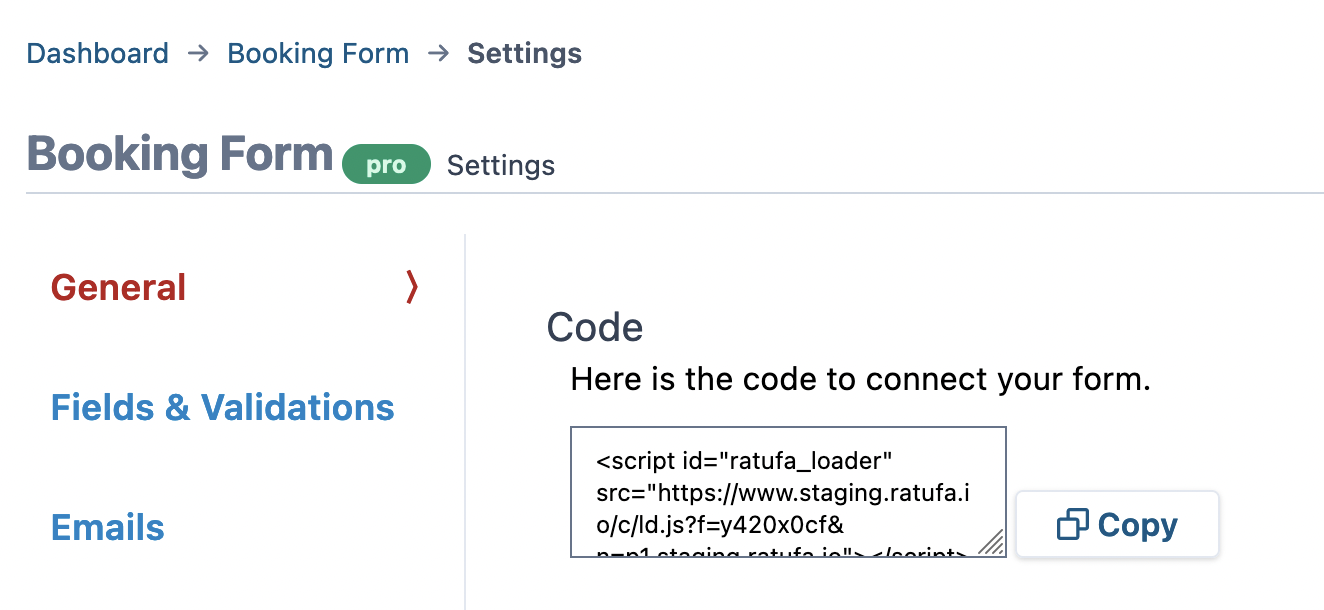
Once you have your HTML form ready, Go to Ratufa's "Connect your form" page.
Copy and paste the code to the bottom of your HTML form page.
Your form is immediately fully functional!
You have the complete freedom to build your HTML form page the way you want
Make use of the fast, low-cost static site hosting services to host your websites
Ratufa is here to save you from the hassles of custom server-side handling
Turn a plain online form into an order form
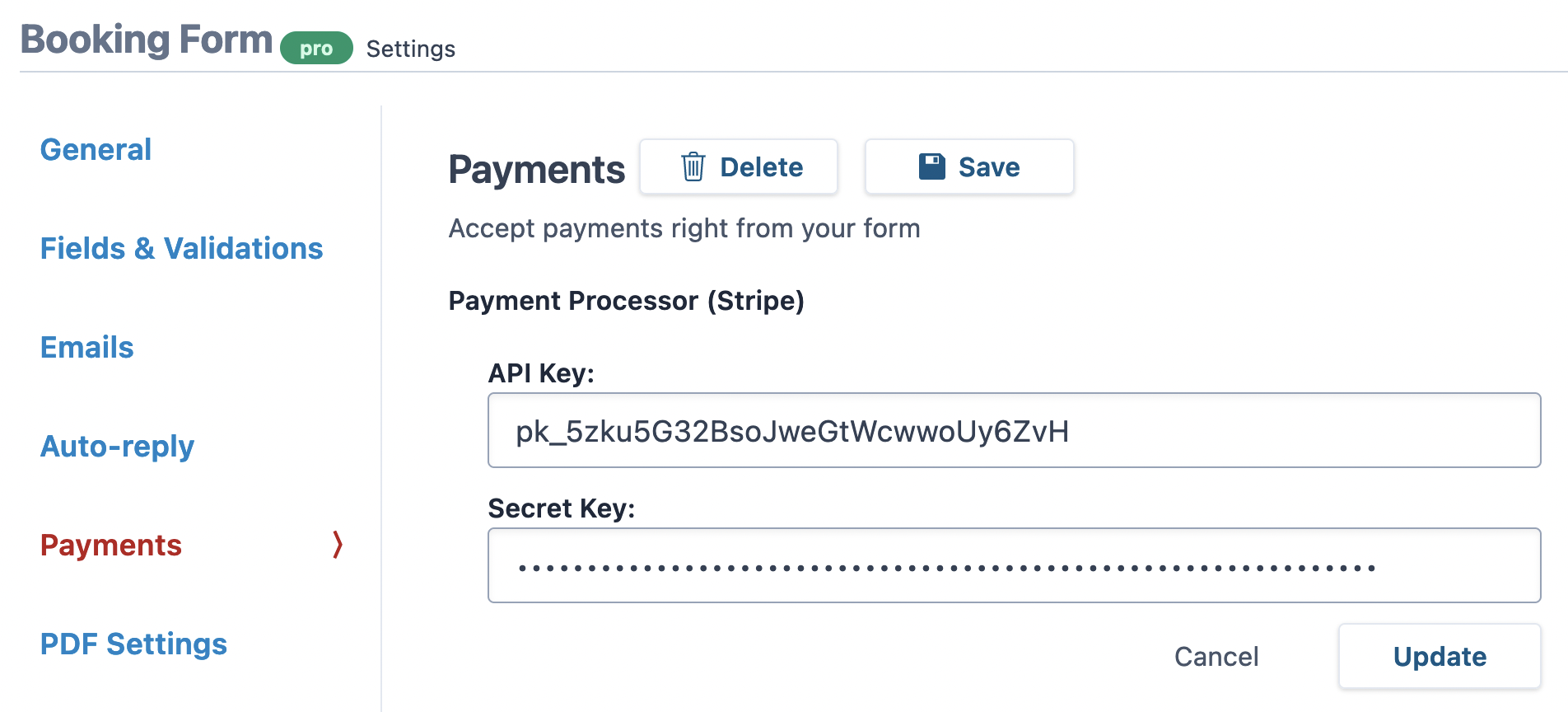
Build your custom order form and connect to Ratufa. Set up your Stripe account.
Your online form is open for business!
You can even use the form fields to calculate the amount payable. That makes it possible to build order forms with any type of custom logic.
All the features you want from a form processing service

- Validate form submission fields. Ratufa has a large set of built-in validations
- Send Email notifications
- Send an Auto-response to the user who submitted the form
- export form submissions as PDF or CSV
- Hassle-free File uploads
Beyond Contact Forms
Promote your Contact Forms from a mere notification service.
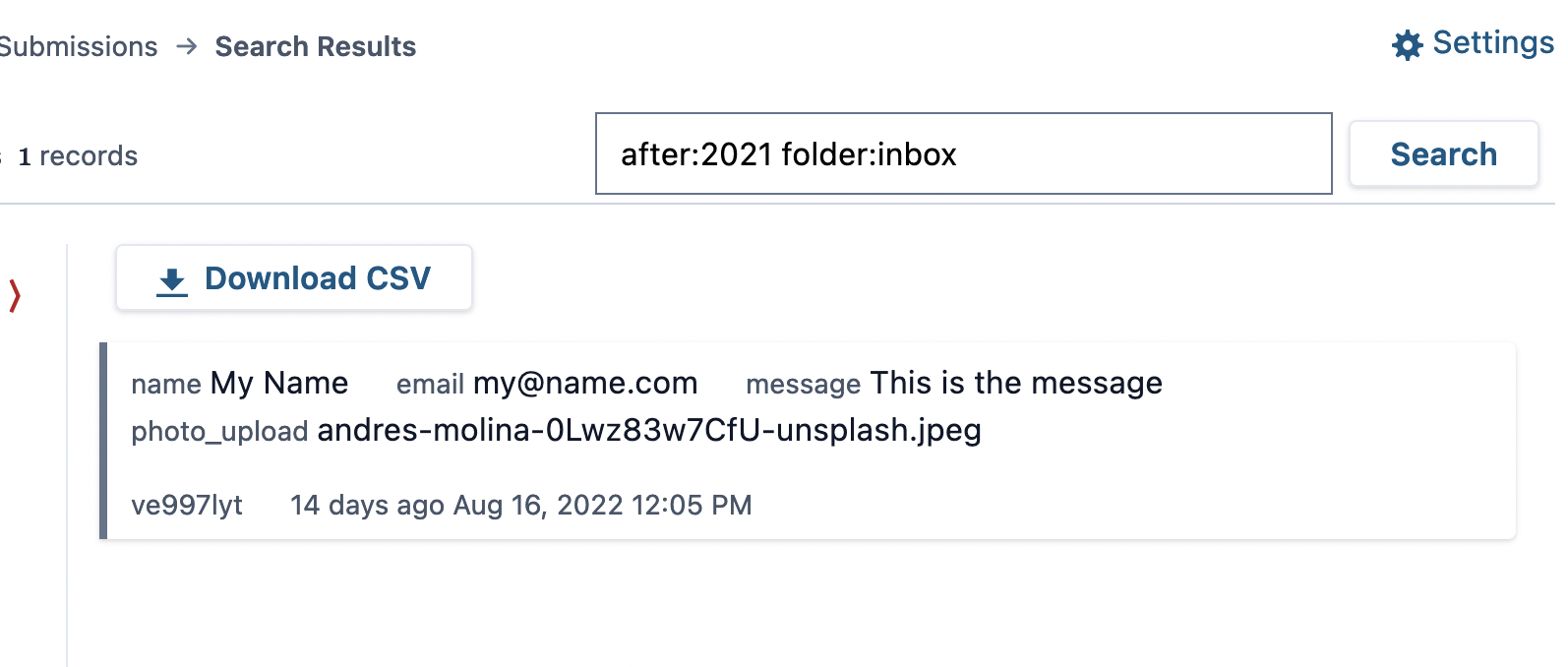
When you connect your contact form with Ratufa, you get all the record-keeping services along with it.
That means, you can quickly lookup an old contact any time or you can export a subset of your contacts to a CSV file any time later.
Ratufa is a Data Collection & Management Service too
Ratufa is not just a form submission receiver.
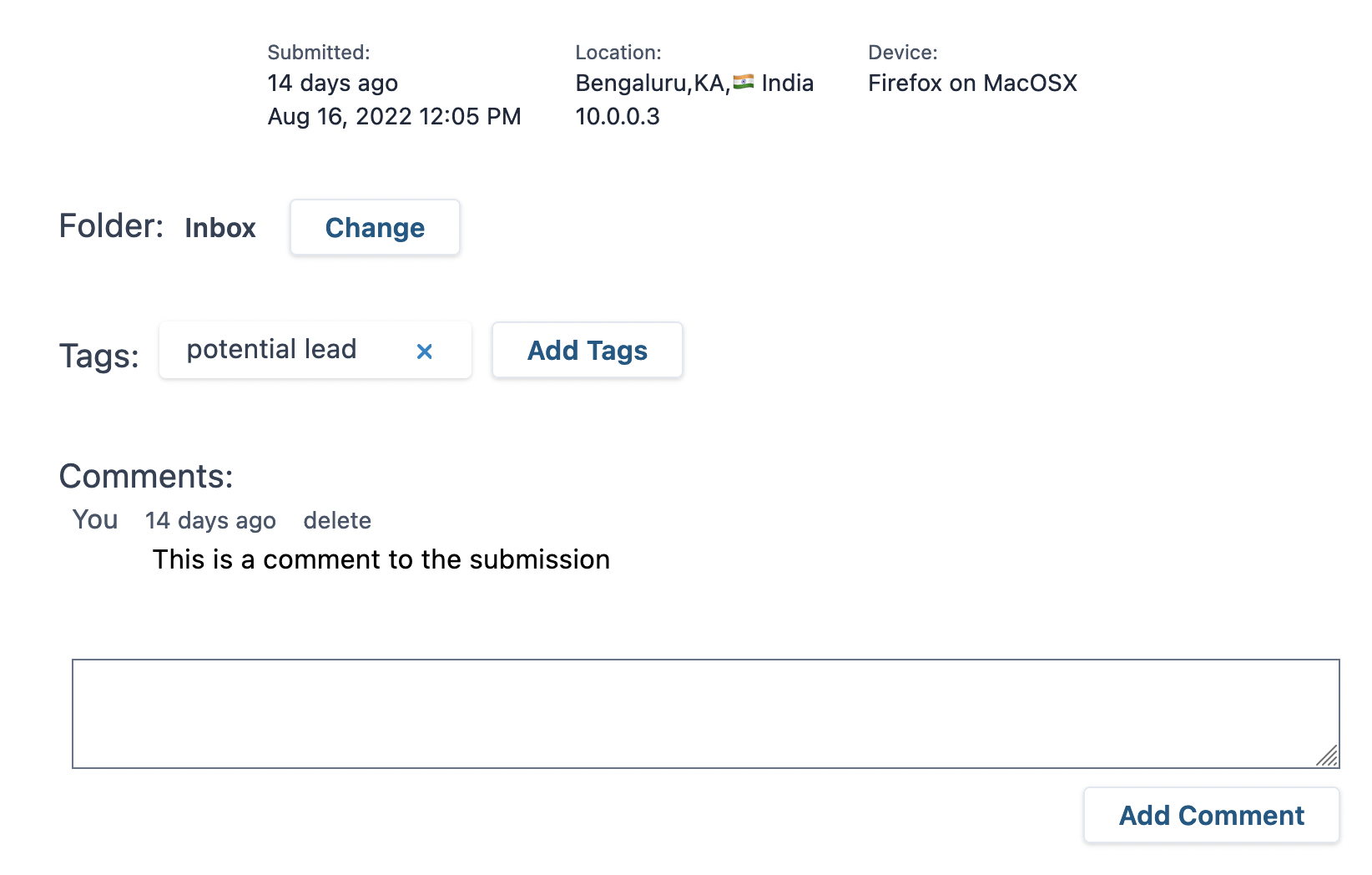
You can:- edit form submission records
- add comments
- attach tags
- categorize the form submissions into folders
Combine all these with a simple powerful search feature and that is what you get with Ratufa.
Questions
Is Ratufa free?
Yes. The free Starter plan sends email notifications and keeps your submissions, with no limit on the number of submissions and no time limit. The paid plans add auto-replies, PDF export and payments. See pricing.
Do I need a server, a backend or API keys?
No. You add one script tag to the page that has your form. There is nothing to install, no server to run and no key to look after.
How do I get the script tag?
Click "Connect Your Form", give the form a name and copy the tag. You can try it without signing up. Sign up to choose where the notification emails go and to see your submissions in the dashboard. See how to connect a form.
Does it change how my form looks?
No. Ratufa uses your form as it is. It adds validation messages and shows a thank-you message after a submission.
Where is my data kept, and who can see it?
On servers in the USA, with Hetzner and Amazon Web Services. The security and privacy page lists what is stored, where, and which providers handle it.